August 28, 2026
Boomer Sooner!
Whether this is your first semester or your last semester, OU IT is here to support your technology needs!
From WiFi to email, classroom tech to Canvas, OU IT is here to make your experience simpler and more secure. Across many different systems, we’re the same team, and we’re all working to make your year a good one.
Get ready for Canvas MFA
PingID, OU's multi-factor authentication (MFA) service, is now required to access Canvas for those not connected to the university network (Wifi@OU for example). Ensure that you have at least one valid PingID method enrolled before classes begin so you can reach your courses without interruption.
Helpful Resources
PingID FAQ
Stay Informed with IT Alerts
Having trouble with a campus service? Check alerts.ou.edu to see if it's a known issue, or contact OU IT for support. Subscribe to IT Alerts to get email or text notifications about:
Protect your OU account and data
Your OU account provides access to OU email, Canvas, OneDrive, Microsoft 365, and other university resources. Taking a few simple steps now can help protect your information and avoid disruptions throughout the semester.
Verify your security settings in One, including your OUIDPIN and recovery email. Together, these steps can help you quickly regain access if you lose a device, change phones, or forget your password.
Protect your account
Manage your OU data
Helpful Resources
Where can you find us on campus?
In Norman, the in-person IT Service Center is on the second floor of the Engineering Lab, room 201, at 200 Felgar Street. Walk-Ins are welcome Monday-Friday from 8:30 AM - 5:30 PM. Additionally, support can be found in the Bizzell Library, room 125, with the same walk-in hours.
In Oklahoma City, the in-person IT Service Center can be found in the Student Union, room 105, at 1106 N. Stonewall. Normal business hours are 8 AM - 5 PM.
In Tulsa, the in-person IT Service Center can be found at the Schusterman Center Administration building, room 1C65. Walk-ins are welcome from 7:30 AM - 5:30 PM.
OU IT is here to help; we’re here to make this a good year.
Stay secure, and reach out any time you need us.

OU IT would like to invite Faculty and Staff to the Accessibility Awareness Lab.
OU IT is here to help support your time here on campus!
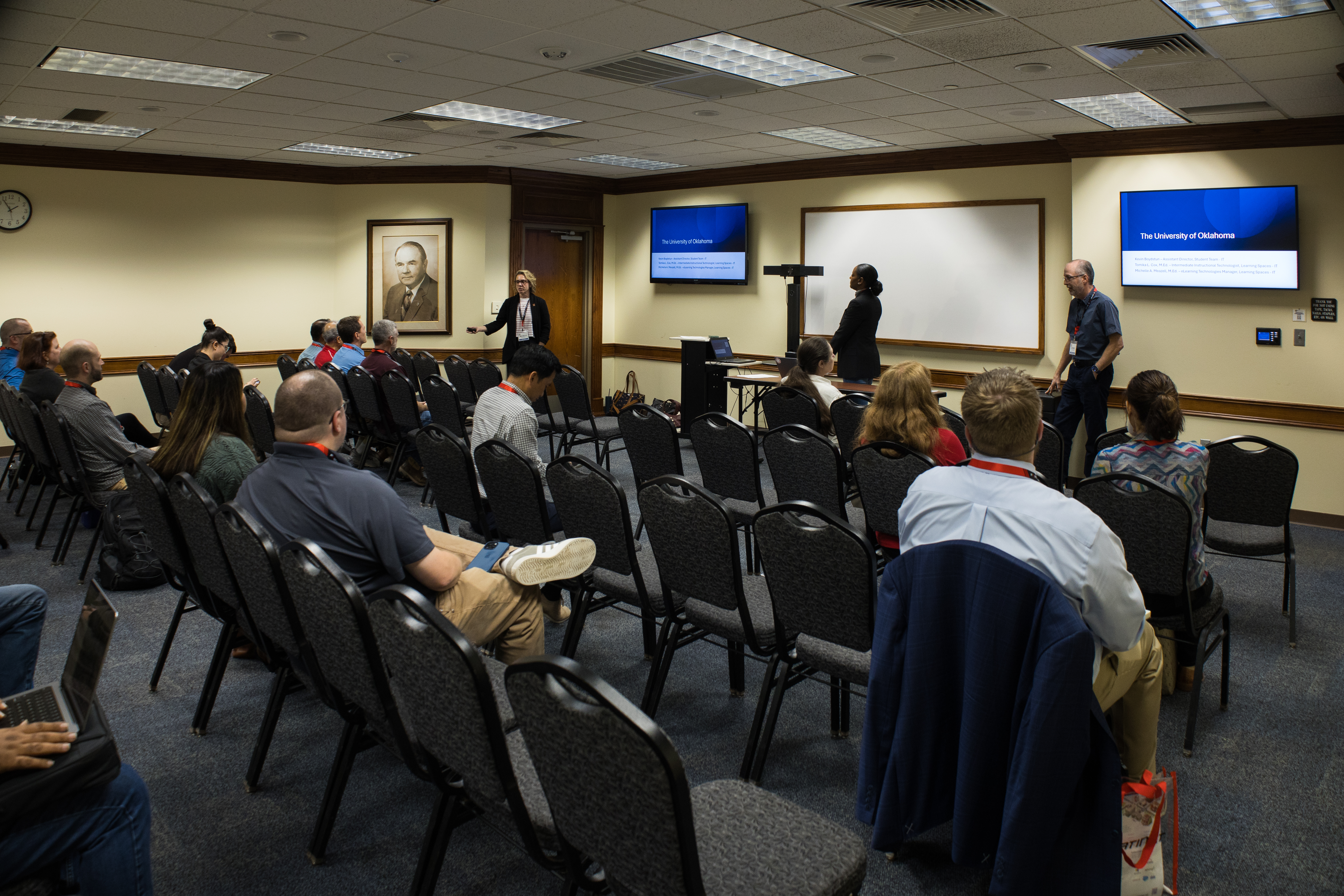
OU IT staff presented at the Annual CoIT 2026 Higher Education IT Summit in May