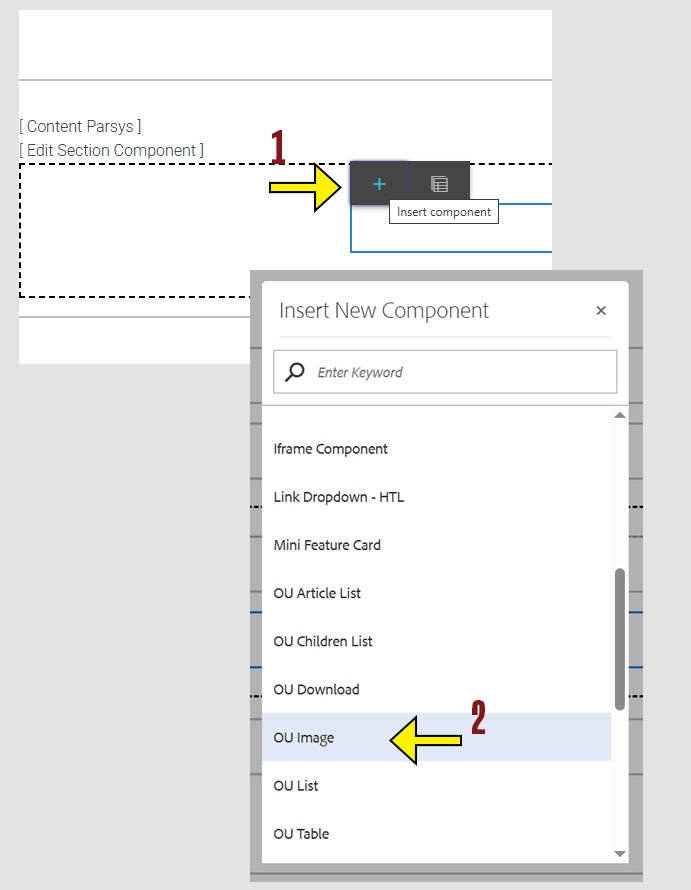
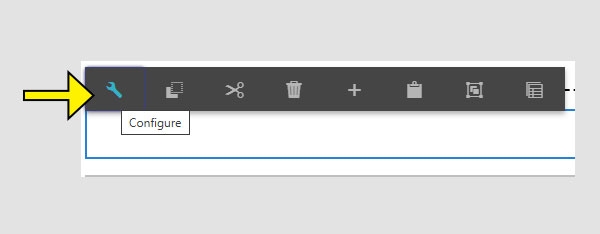
When working within the Content Parsys all web components must first be placed inside of a Section Component
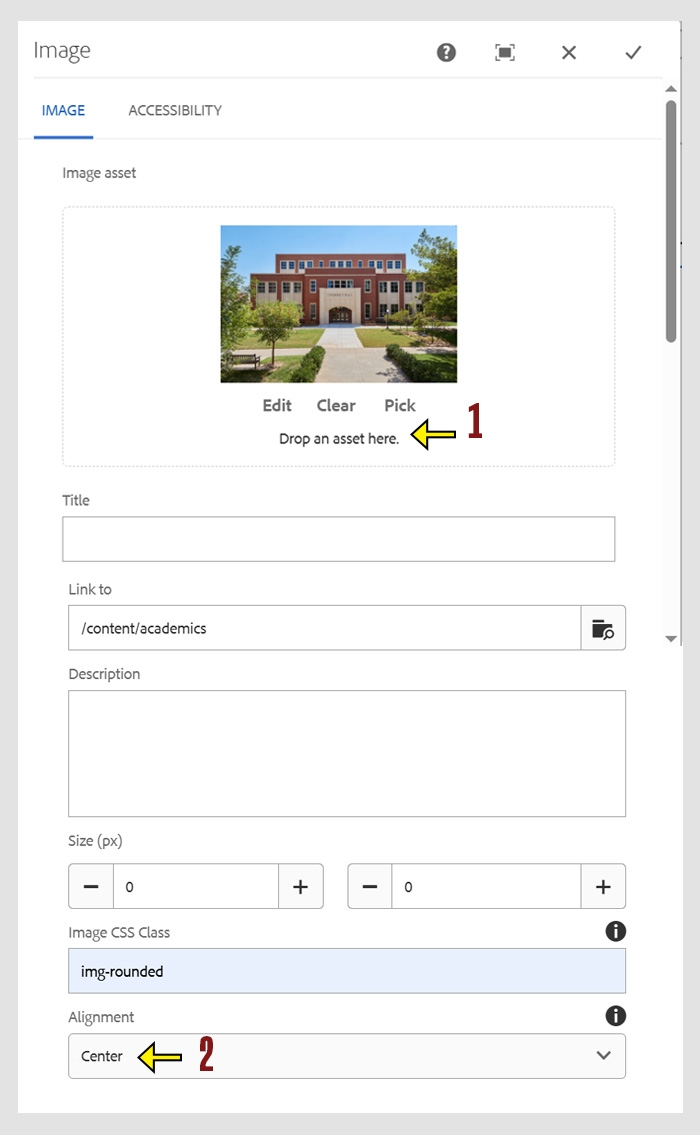
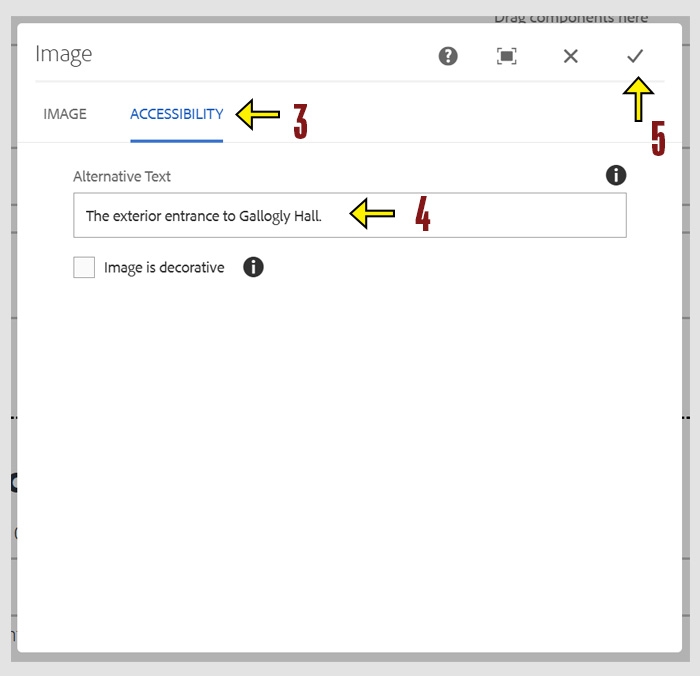
The Image component allows you to place images on your web pages. You can adjust alignment and add alternative (alt) text to make sure your images are accessible to all users. Images help break up text, add visual interest, and support the content of your site.
Click within a section component to insert new components.
Required Settings
Optional Settings
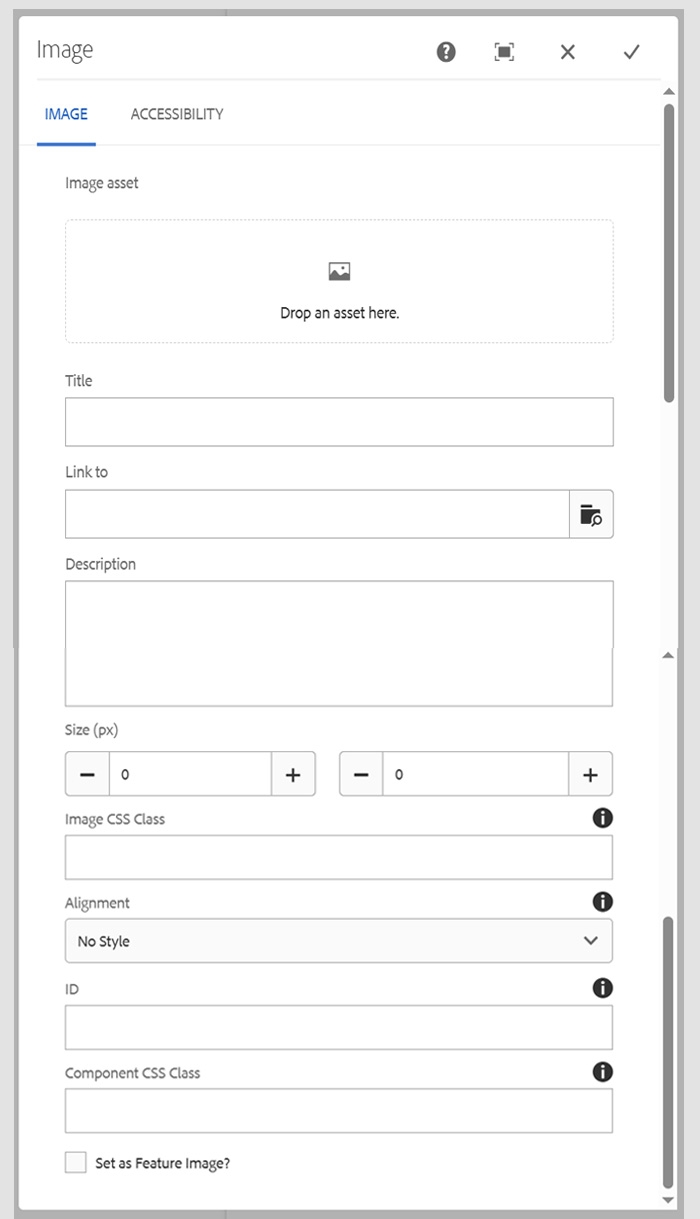
To add an image to your page, you must first upload the image in the Digital Asset Manager (DAM). Uploaded images can be viewed by opening the side panel when editing pages.
Tip: Using the right file size and format helps your web pages load quickly and display correctly across all devices. Large files can slow down your site and create access issues, especially for users on slower connections.